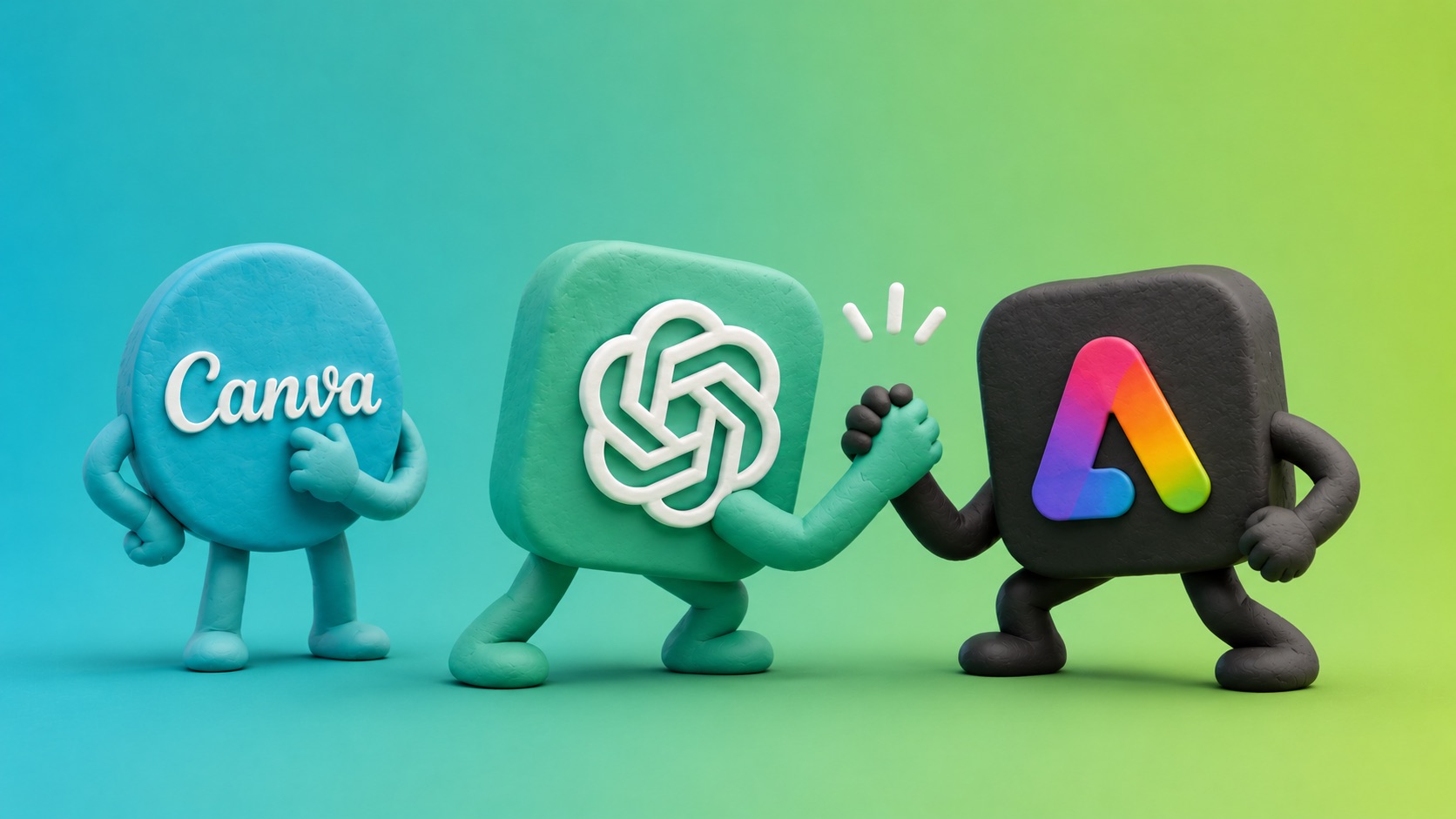
You need a social graphic, a flyer, or a quick product image and you don’t have a designer on call. So which app do you open — Canva, ChatGPT, or Adobe Express? All three can technically get you there, but they’re built for different jobs, and picking the wrong one usually means wasted time.
The quick answer
- Canva — best if you want templates, brand kits, and drag-and-drop editing anyone on your team can use.
- Adobe Express — best if you want commercially-licensed stock and Adobe-quality assets at a lower price than Canva Pro.
- ChatGPT — best for generating a one-off concept image or product shot from a text prompt or an uploaded photo, when you don’t need a polished, on-brand layout.
Canva
- Around 140 million templates covering everything from Instagram posts to full presentations.
- Magic Studio AI tools for background removal, image generation, and text-to-design.
- Built-in brand kit so fonts, colors, and logos stay consistent across everyone’s work.
- Real-time collaboration, so a whole team can work on the same design at once.
- Canva Pro runs about $15/month.
Canva is the closest thing to a full design department in a browser tab. It’s the right call when you need to produce a steady stream of on-brand content — social posts, flyers, one-pagers — and you want anyone on the team to be able to open a template and finish it in minutes.
Adobe Express
- Access to roughly 30,000 fonts and 200 million stock assets.
- Firefly AI, Adobe’s generative tool trained on licensed content, which means outputs come with commercial-use protection.
- Tighter integration if your team already uses Adobe Creative Cloud apps.
- Premium runs about $9.99/month — noticeably cheaper than Canva Pro, and team seats can run even less on annual plans.
Adobe Express is the pick when licensing matters — if you’re worried about where an AI-generated image’s training data came from, Firefly’s commercial indemnification is a real advantage. It’s also the more budget-friendly option if cost per seat is a factor.
ChatGPT
- Not a design tool in the traditional sense — there are no templates, layers, brand kits, or drag-and-drop layout tools.
- Excellent at generating a concept image from a plain-language description, or from a photo you upload — we covered this in detail in how to generate product images with ChatGPT.
- Fast for one-off graphics, mockups, or visualizing an idea before you commit to a full design.
- Weak at precise text placement, exact brand colors, and anything that needs to match an existing style guide pixel for pixel.
- Image generation is included with a ChatGPT Plus subscription (about $20/month) or available on a limited basis for free.
Think of ChatGPT as the fastest way to go from an idea to a rough visual. It’s not going to output something with your exact brand fonts and hex codes, but it’s genuinely useful for exploring a concept, generating a product photo from a phone snapshot, or producing a quick image when a polished design isn’t the point.
How to decide which one to use
- Need repeatable, on-brand content produced by multiple people? Use Canva. Its templates and brand kit keep everything consistent without a designer reviewing every post.
- Already paying for Adobe, or need commercially-licensed AI images? Use Adobe Express. It’s cheaper per seat and the licensing story is cleaner.
- Just need one image, fast, from a description or a product photo? Use ChatGPT. It’s the quickest path from idea to image when perfection isn’t the goal.
- Want the best of both worlds? Generate the concept or product shot in ChatGPT first, then bring it into Canva or Adobe Express to add your logo, brand fonts, and finish the layout properly.
Quick cheat sheet
- Cheapest: Adobe Express (~$9.99/month)
- Best template library: Canva (~140 million templates)
- Best for licensed AI images: Adobe Express (Firefly, commercial indemnification)
- Fastest for a single concept image: ChatGPT
- Best for team brand consistency: Canva (brand kit)
None of these tools replace a professional designer when the work really matters — a logo, a full brand identity, a website. But for the day-to-day graphics most small businesses need, picking the right one of these three will save you real time.