Good product photography used to mean a studio, lighting equipment, and either a photographer’s day rate or a lot of trial and error with your phone. Now it can also mean a browser tab. ChatGPT’s image tool has gotten good enough that a lot of small businesses are using it to produce clean, professional-looking product shots in minutes — but only if you use it the right way.
What ChatGPT Can Actually Do With Product Images
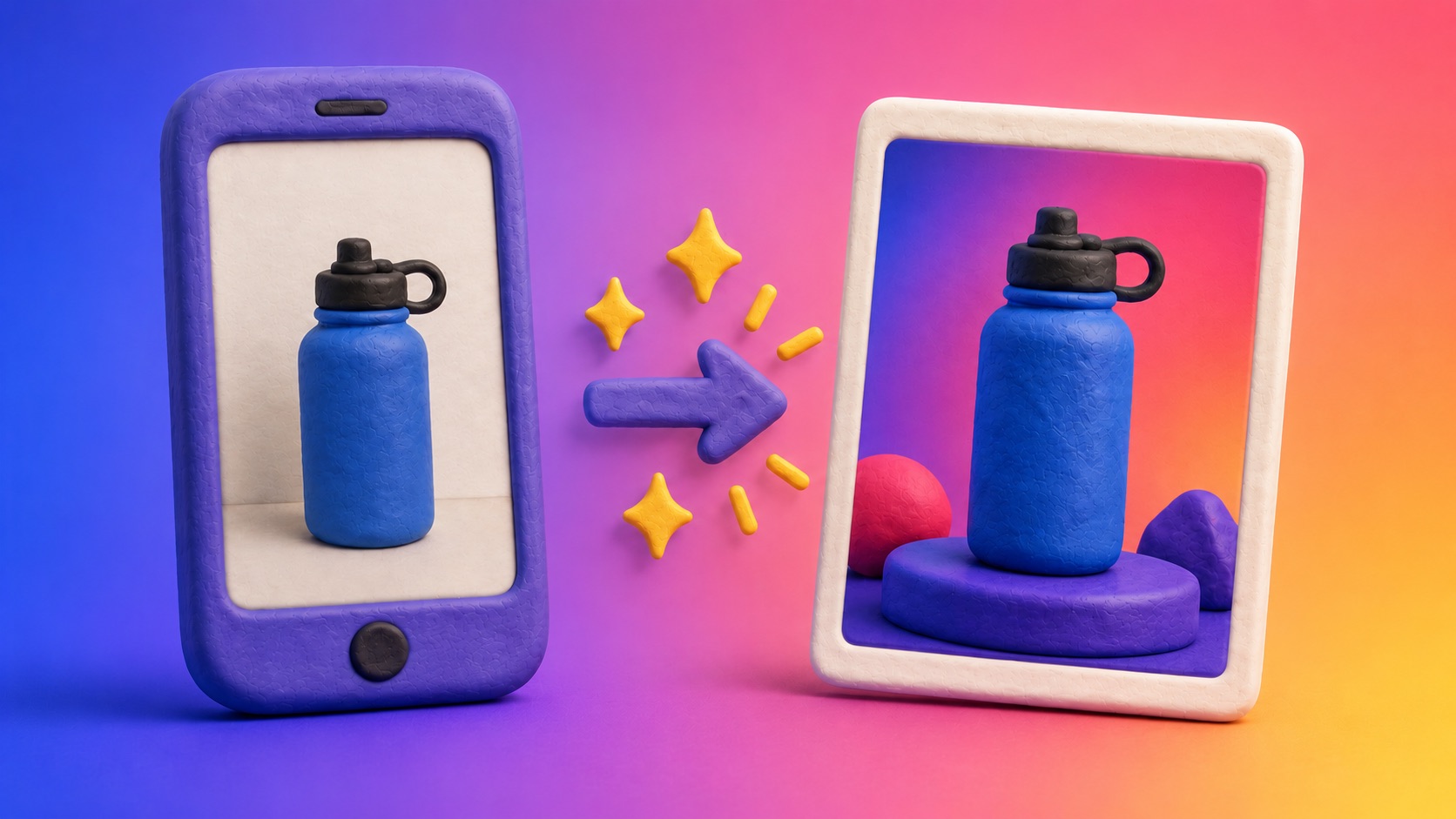
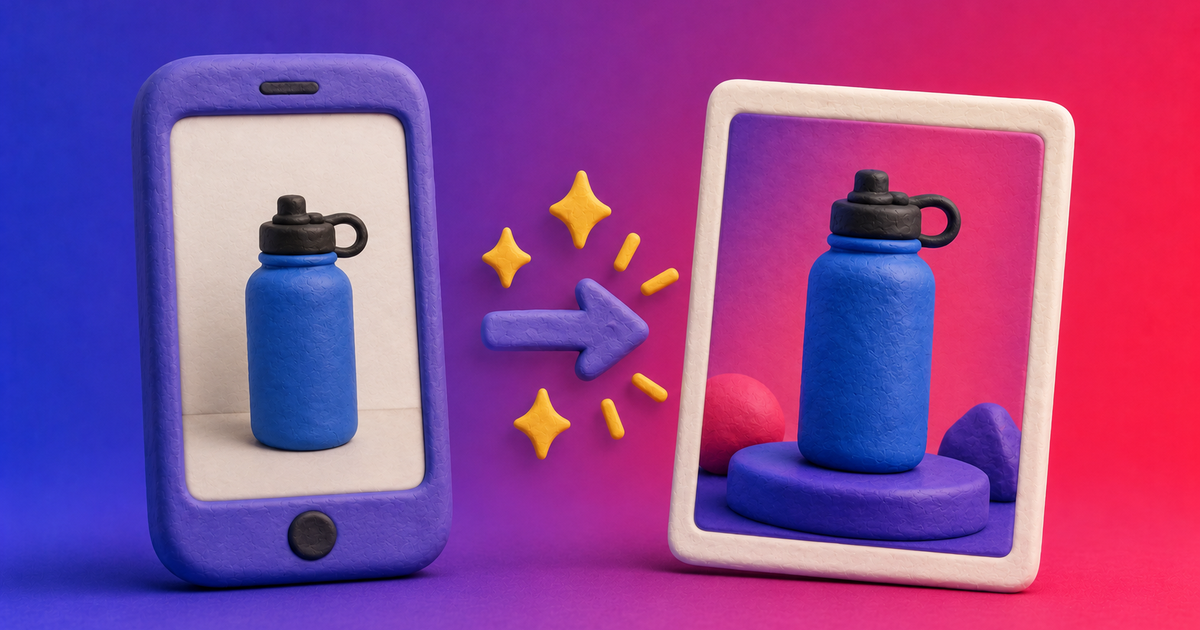
ChatGPT can generate an image from a text description alone, but that’s not the useful trick here. The more powerful feature is that you can upload an actual photo of your product and ask it to reimagine that photo — new background, new lighting, new angle — while keeping the real product intact. That distinction matters a lot for anyone selling a physical thing, because a description alone will never get your product’s exact shape, label, or proportions right.
Start With a Real Photo, Not Just a Prompt
The single biggest improvement most people can make is embarrassingly simple: upload a picture of your actual product before you ask for anything. It doesn’t need to be a great photo. A clear shot on a plain counter, taken with your phone, is enough. ChatGPT uses that image as a reference, which means the packaging, proportions, and details stay accurate instead of being reinvented from scratch. Skip this step and ask for “a bottle of our hand cream” with no photo, and you’ll get a generic bottle that looks nothing like what you actually sell.
Write the Prompt Like a Photographer, Not a Customer
The second biggest improvement is how much detail goes into the prompt. Vague requests get vague results. Specific, technical requests get results that look intentional. A prompt worth writing usually covers:
- Angle — straight-on, three-quarter view, overhead flat-lay, close-up detail shot
- Background — plain white, a colored gradient, a textured surface like marble or wood, an in-context setting
- Lighting — soft and even, dramatic side lighting, bright and airy, warm and moody
- Props or context — a few relevant objects nearby, or none at all for a clean catalog look
- Format — square for social media, landscape for a website banner, vertical for Stories and Reels
Something like “professional product photo of the attached candle, shot at a slight three-quarter angle, soft natural window lighting, matte white background with a subtle shadow, square format for Instagram” will consistently outperform “make this look nicer.”
A Simple Two-Step Workflow That Works
Rather than trying to get the perfect image in one shot, it helps to split the process in two. First, upload the product photo and ask for two or three different concept directions — different backgrounds, moods, or angles — described in plain language. Second, once you like one direction, turn that description into a full, detailed prompt and generate the final image, re-attaching the original product photo so the details stay locked in. From there, generating variations is usually just a matter of changing one or two elements — a new background color, a different angle — while asking it to keep everything else consistent.
Where This Falls Short
It’s not a full replacement for real product photography. Exact color matching is still unreliable — if your brand color is a very specific shade, don’t trust the AI version for anything print-critical. Fine text and small logos can come out slightly warped. And for anything where accuracy is a legal or safety requirement — nutrition labels, warning text, precise dimensions — a generated image should never substitute for the real product shot.
Where It’s Genuinely Useful
Where it earns its keep is everywhere the bar is “looks professional,” not “must be pixel-perfect”: social media posts, ad creative you’re testing before committing budget, seasonal variations of an existing product photo, quick mockups for a website redesign before a real photoshoot is scheduled, or filling a gap when you need one more image today and the photographer isn’t available until next week.
The Takeaway
The two habits that separate a flat, obviously-AI result from something that actually looks usable are the same two things most people skip: attach a real photo of your product instead of describing it from memory, and write the prompt like you’re briefing a photographer, not making a wish. Get those two things right and the rest is just iteration.