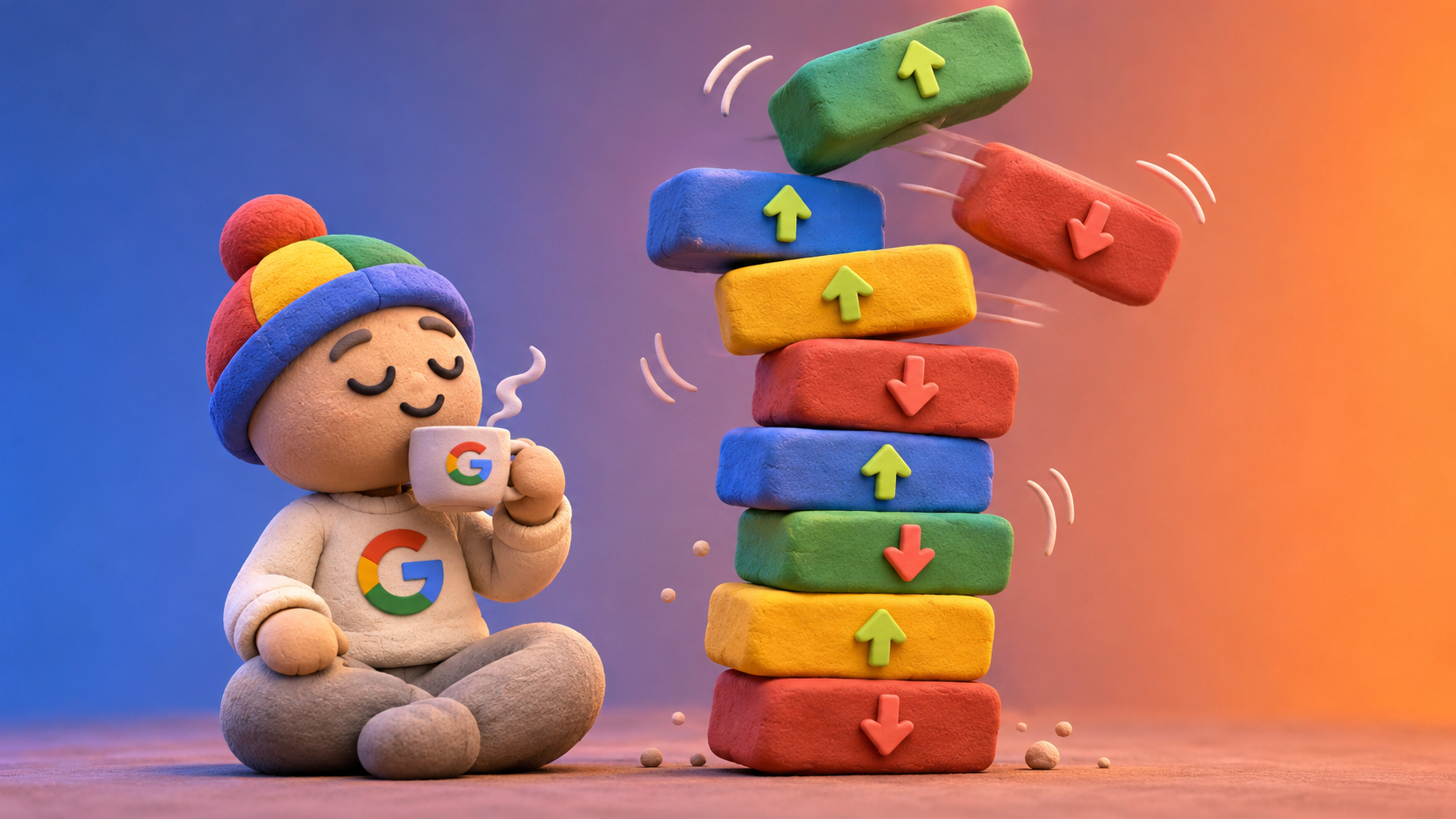
Google started rolling out its November 2026 core update on Tuesday, November 10. It’s the third core update this year, after March and May, and Google says it may take up to two weeks to finish. If your rankings have been bouncing around this week, this is the most likely reason.
The update itself is fairly routine. The timing isn’t. If it runs the full two weeks, the window you’d normally use to measure its impact lands right on Thanksgiving, Black Friday, and Cyber Monday. That makes this update easy to misread.
Here’s what’s happening and how to read your numbers.
Rollout started
Expected rollout, at most
Core update of 2026
Earliest clean read
What Google's November 2026 Core Update Actually Is
A core update is a broad change to how Google’s ranking systems evaluate content across the whole web. It isn’t a penalty, and it doesn’t target specific sites or pages. Google described this one as a regular update meant to “better surface relevant, satisfying content,” applied globally and in all languages.
Google hasn’t said that any specific kind of site or content is in the crosshairs this time. That’s normal for a core update. When your rankings move, it’s usually because Google reassessed how useful your pages are compared to everything else competing for the same searches, not because you did something wrong. We saw the same pattern with the March 2026 core update.
Global and all languages. Every site in Google Search is in scope, not one niche or country.
Not a penalty. A drop means Google re-ranked pages against each other, not that it flagged your site.
Why This Core Update's Timing Makes Your Traffic Data Harder to Read
Google’s own advice is to wait until a core update has finished rolling out, then wait at least one more full week before comparing your Search Console data to a week before the update started. Here’s what that looks like on the calendar this time:
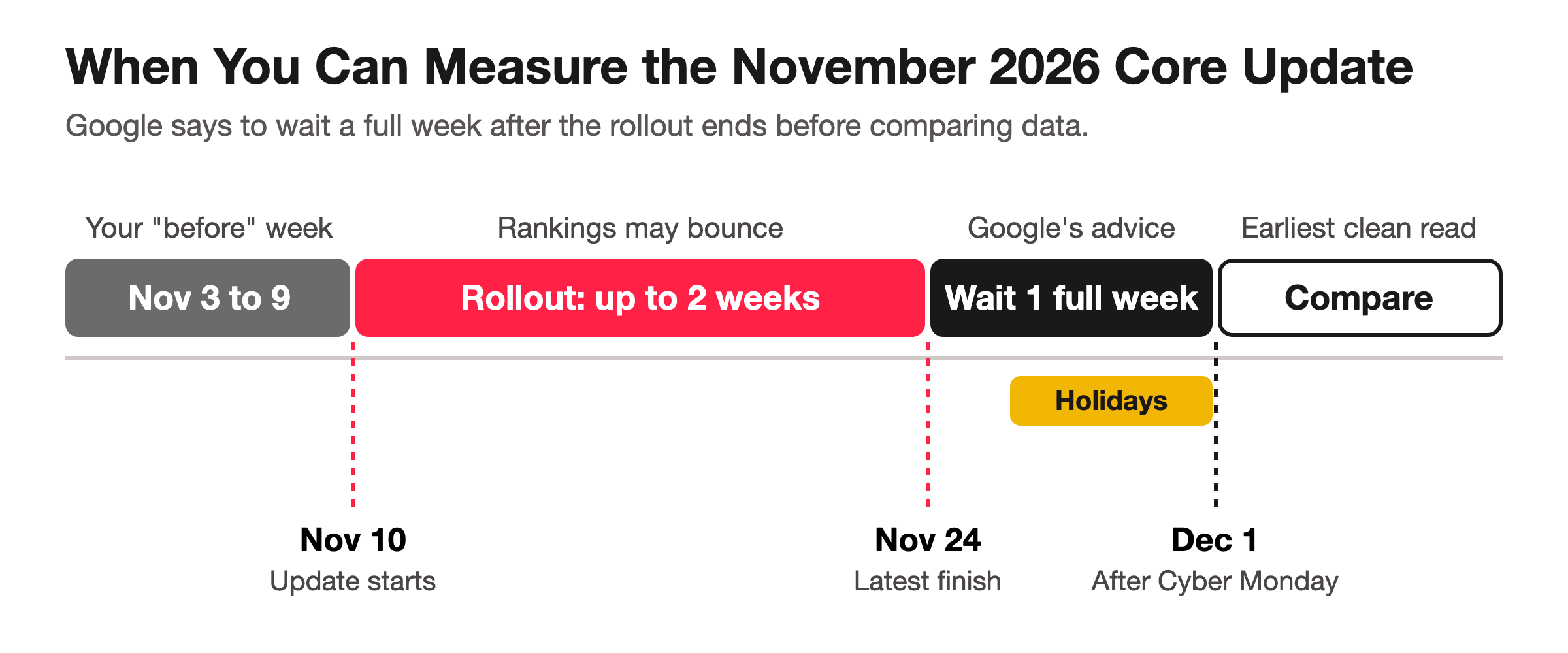
If the rollout runs its full length, the earliest clean “after” week starts around December 1, the day after Cyber Monday. Any week you look at before then is either still mid-rollout or full of holiday shopping behavior. Either way, it won’t tell you much about the update.
That cuts both ways depending on your business:
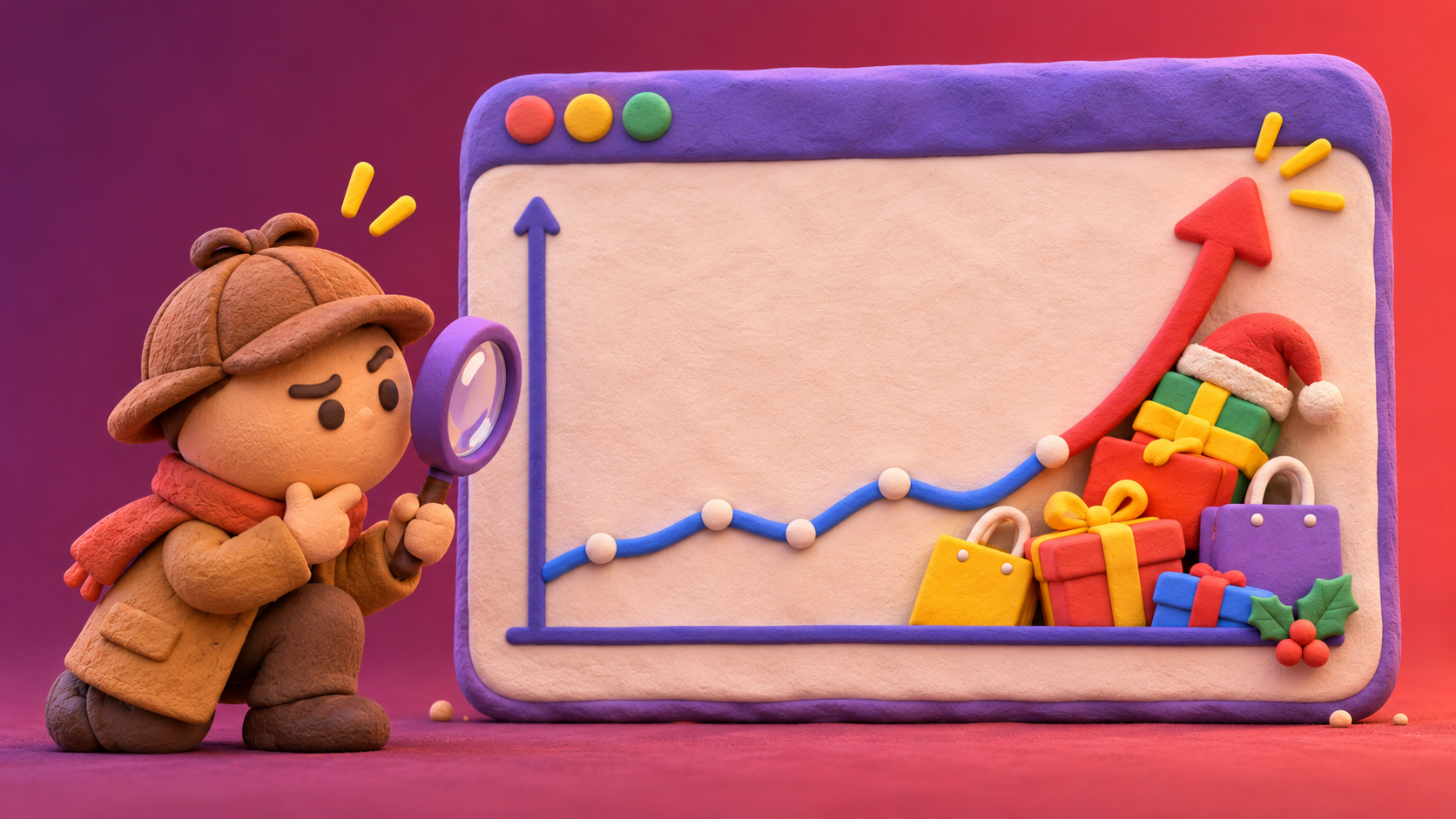
Retail and e-commerce sites usually see traffic climb over Black Friday weekend. A real ranking drop can hide underneath that holiday bump.
Local service businesses like contractors, law firms, and clinics often get quieter over Thanksgiving week. A normal holiday slowdown can look like a core update hit when it isn’t one.
What to Do While the Core Update Is Still Rolling Out
Mostly, nothing. Rankings often swing up and down for days during a rollout before they settle, and reacting to a mid-rollout dip is how good pages get rewritten for no reason. A few things are worth doing in the meantime:
Don’t rewrite, delete, or retitle pages based on day-to-day ranking changes this month.
Write down any site changes you make between now and December, with dates, so you can tell your changes apart from Google’s.
Mark November 10 in your reports so anyone looking at your traffic later knows the update started that day.
Keep publishing and updating content normally. A core update isn’t a reason to stop doing the work.
How to Check If the Core Update Affected Your Site in Search Console
Once the rollout is officially done, here’s the process we use:
Confirm the rollout is finished. Google posts the end date on its Search Status Dashboard. Note it down.
Wait a full week after that end date. Rankings can keep settling for a few days after Google calls it done.
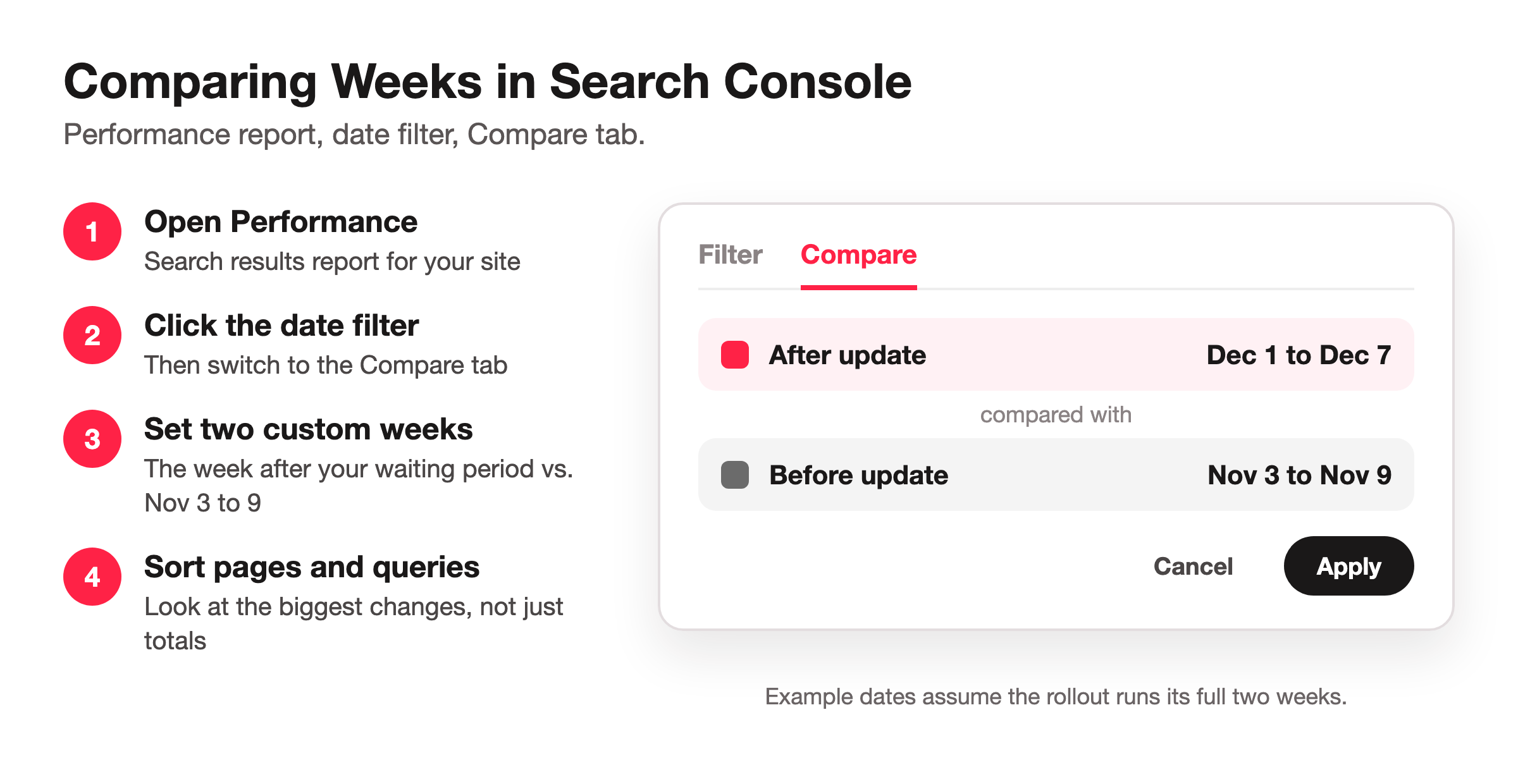
Compare two weeks in the Performance report. Open Performance, click the date filter, choose Compare, and set the week after your waiting period against November 3 to 9, the last full week before the update started.
Add a year-over-year check if you’re seasonal. Compare the same holiday week to last year’s (Search Console keeps 16 months of data). If you’re down from early November but flat or up compared to last year’s holidays, the “drop” is probably just the season.
Look at pages and queries, not just totals. A core update usually shows up as specific pages slipping a few positions on specific searches. Sort by the biggest changes in clicks and average position to see where the movement actually is.
What to Do If Your Rankings Dropped After the Core Update
Google’s guidance on core updates is pretty clear about this, and it matches what we’ve seen with clients.
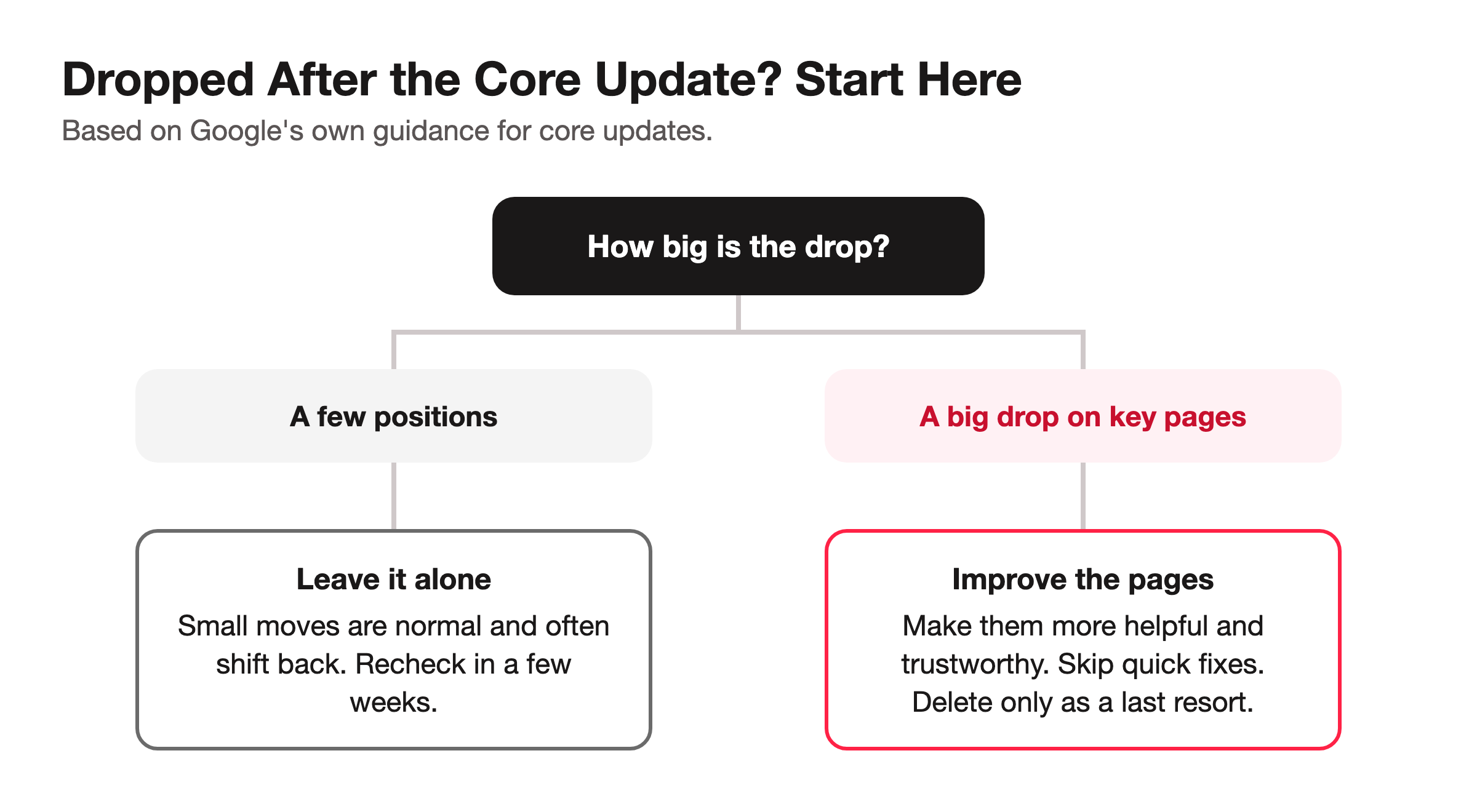
If you dropped a few positions, don’t make drastic changes. Small movements are common after every core update, and they often shift again later.
If you dropped a lot, take an honest look at the affected pages. Ask whether they’re the most helpful, original, and trustworthy answer to the search they used to rank for. Google’s questions here line up closely with E-E-A-T.
Skip the quick fixes. Swapping a few keywords or adding a block of text rarely helps. Improving the page for the person reading it does.
Treat deleting content as a last resort, not a first step.
Be patient with recovery. Improvements can take weeks or months to show up, and sometimes not until a later core update.
A Separate Change to Watch: Google Testing an AI Local Pack Without Action Buttons
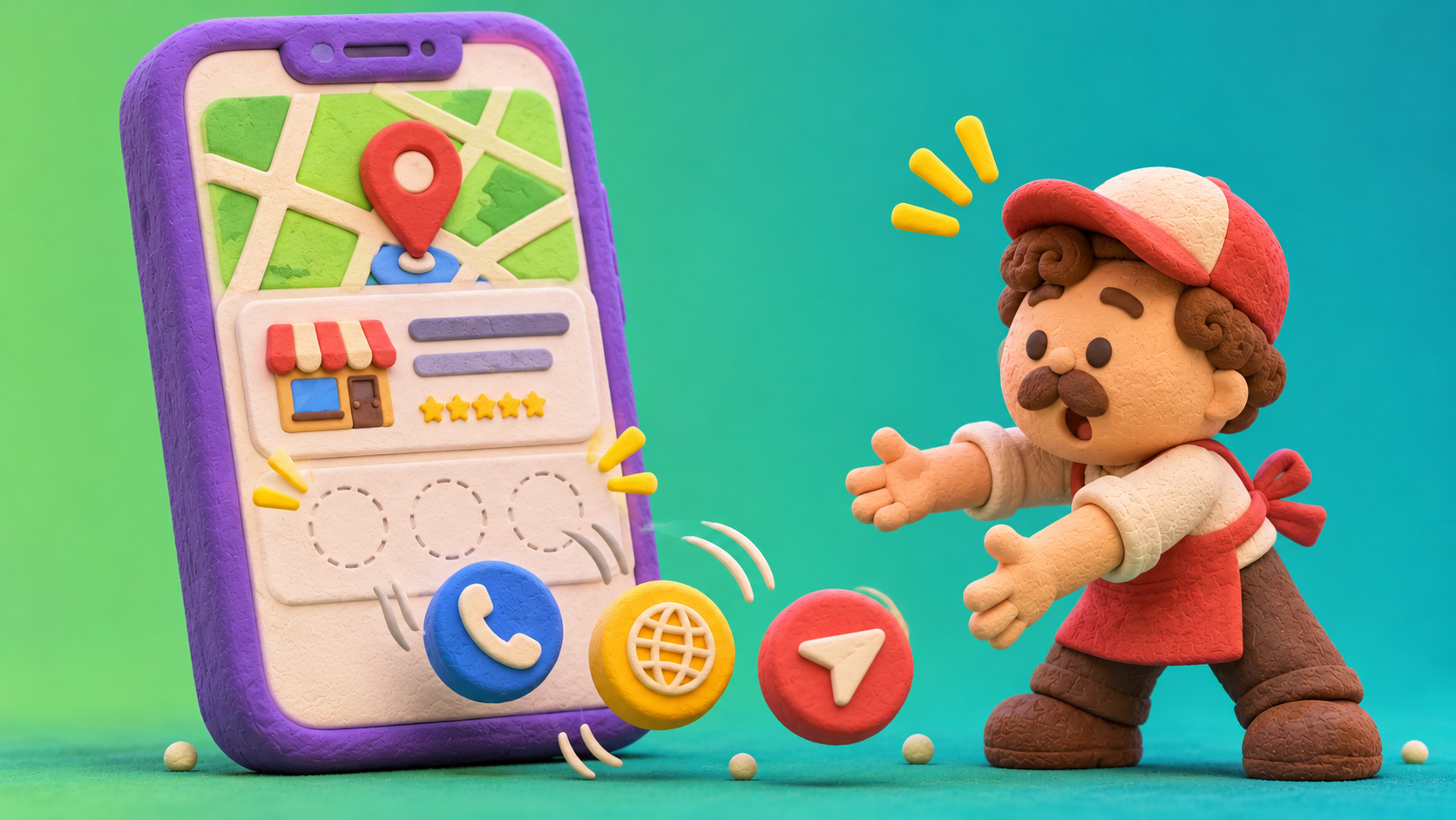
This one isn’t part of the core update, but it surfaced the same week and matters to local businesses. On November 10, Search Engine Roundtable reported that Google is testing an AI Overview version of the local pack on mobile that drops the action buttons, reviews, and photos, along with details like address and hours. Without those buttons, it’s harder for a searcher to call you, visit your site, or get directions straight from the results.
It’s a test, not a rollout, and Google hasn’t commented on it. For now, the best defense is the same as always: keep your Google Business Profile complete and accurate, since that’s what this AI version pulls from.
The Short Version of What to Do About the November 2026 Core Update
Hold off on changes until the rollout finishes, wait a full week after that, and compare your numbers against early November and last year’s holidays before deciding anything. With Black Friday sitting right in the middle of the measurement window, a careful read in early December beats a panicked one at Thanksgiving.
Seeing a ranking drop and not sure if it’s the core update, the holidays, or something else? See how our SEO team can help →